Categories
Blog posts about QNAP's products and technologies.
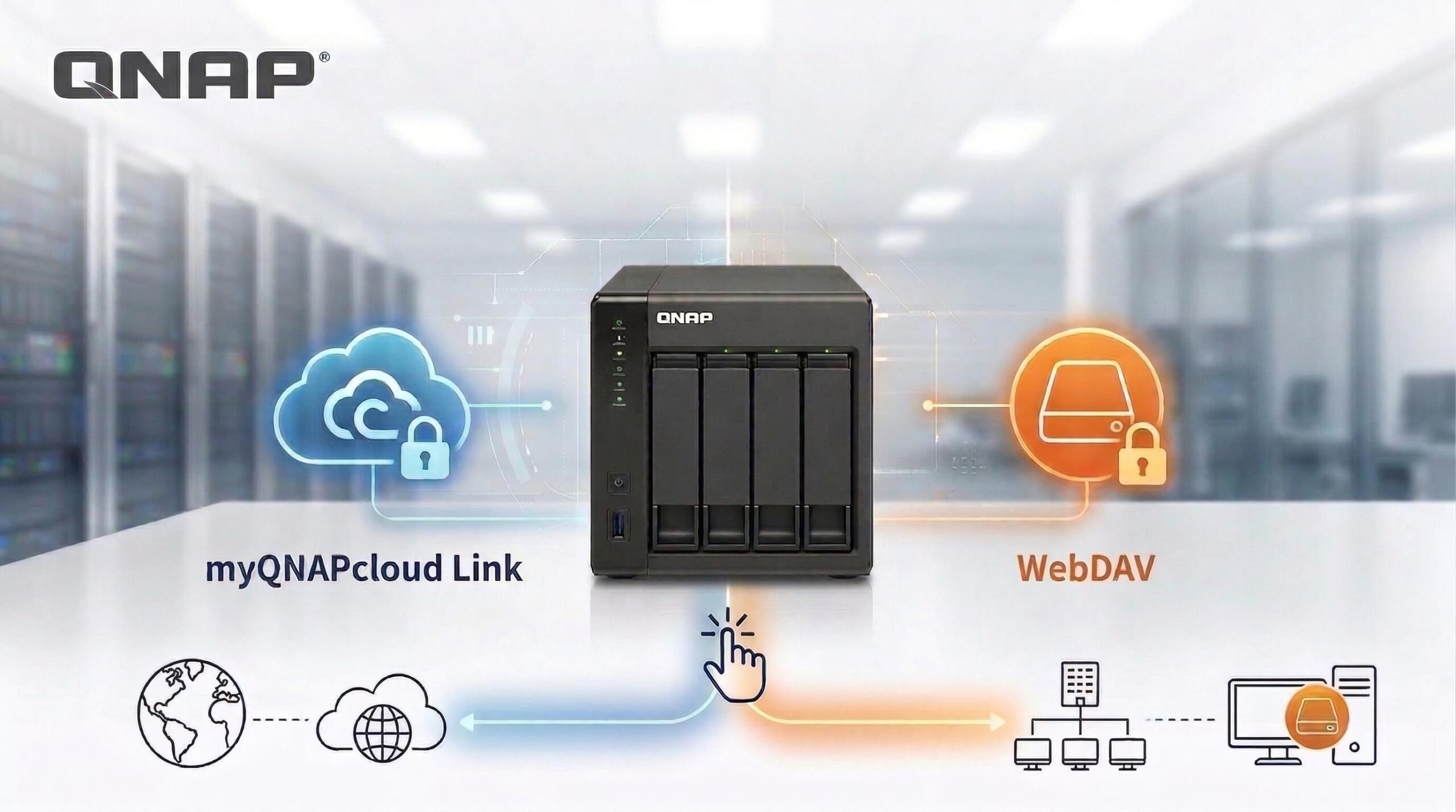
As hybrid work becomes increasingly common, whether for handling work files or accessing home multimedia, a stable and secure remote connection has become an essential skill for NAS users. However, with so many connection protocols available, users often ask: “Should I use myQNAPcloud Link or set up WebDAV?”
In fact, these two options are not simply interchangeable; they are technical solutions designed for different use cases. This article will break down application scenarios, connection technologies, and hardware performance considerations to help you identify the most suitable deployment approach.
1. myQNAPcloud Link: Smart Connectivity Service with Zero Configuration and Seamless NAT Traversal
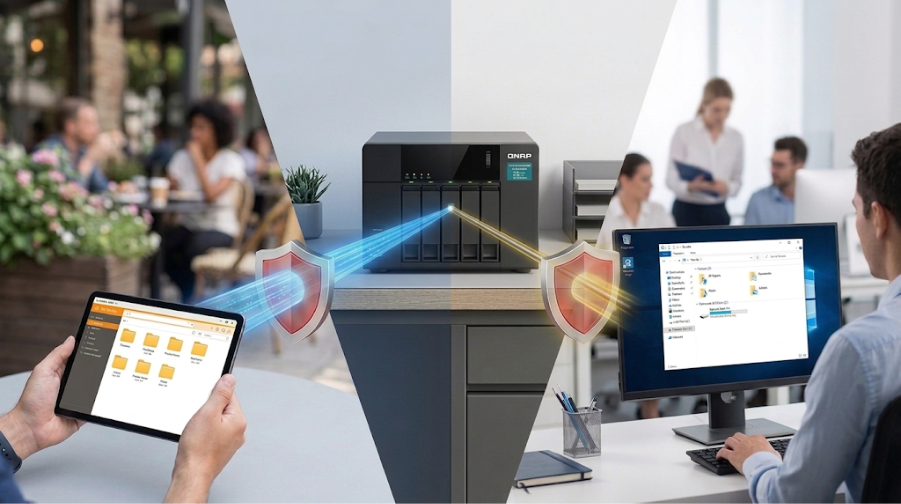
For users seeking an out-of-the-box experience without modifying router settings, myQNAPcloud Link is QNAP’s officially recommended solution.
[Use Case: Borderless Mobile Workspace]
Manager Chen is an international sales executive who often works from airports, cafés, or client offices with strict network access restrictions. In these environments, he cannot ask IT staff to configure port forwarding.

2. WebDAV: A Productivity Tool to Mount Your NAS as a Local Drive
Although myQNAPcloud Link is highly convenient, WebDAV offers irreplaceable technical advantages for users who need deep integration with their operating system.
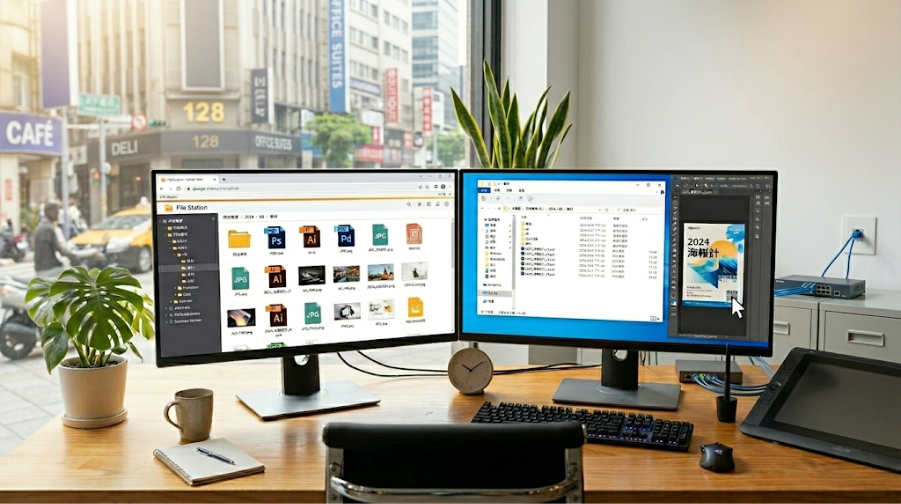
[Use Case: A Designer’s Efficient Workflow with a Mounted NAS]
A-Qiang is a designer who prefers to manage files directly within his computer’s File Explorer. Through the WebDAV protocol, he can mount NAS folders as network drives on his computer.
Recommended Scenarios:
3. In-Depth Technical Analysis: How Hardware Specifications Affect Remote Access Performance
As a professional NAS storage solution, the connection protocol is only the first step. To ensure a smooth remote access experience, underlying hardware specifications and resource allocation are equally critical. According to QNAP’s internal technical tests and review standards:
4. Quick Guide: Which One Should I Choose?
To ensure that software functionality aligns with hardware specifications, we have compiled the following decision table:
| Comparison Items | myQNAPcloud Link (File Station) | WebDAV Protocol |
| Deployment Barrier | Very low (no router configuration required) | Medium (manual port forwarding required) |
| Optimal Environment | Wide Area Network (WAN), hotel Wi-Fi, mobile networks | Local area network (LAN), VPN-encrypted environments |
| Connection Security | Very high (physical address hidden) | Medium (HTTPS/VPN recommended) |
| Main Advantages | High connection success rate, secure tunnel protection | Native network drive mounting, high compatibility |
Conclusion
When choosing a remote access solution, you must prioritize your use case and network environment.
Regardless of which solution you choose, ensuring that your NAS hardware—such as memory and disk configuration—can support your workload is the key to maintaining a stable experience.
AI Disclosure: Some images and text in this article were created or refined with the assistance of Artificial Intelligence (AI) and reviewed by human editors.
